
User experience (UX) has become a defining factor in the success of modern software. Regardless of how powerful or innovative a system may be, poor UX can prevent users from fully adopting or trusting it. In today’s competitive digital landscape, UX is not an optional layer of design but a core component of how software delivers value.
Understanding UX in Software Design
UX in software design refers to the overall experience a user has while interacting with an application. It goes beyond visual appeal and focuses on usability, accessibility, efficiency, and emotional response.
Strong UX design aims to:
- Make software intuitive and easy to learn
- Reduce user effort and frustration
- Support user goals efficiently
- Create positive, memorable interactions
When UX is prioritized, software feels natural rather than complex.
UX Directly Impacts User Satisfaction
User satisfaction is closely tied to how effortlessly software fits into daily workflows. Even minor usability issues can compound over time, leading to dissatisfaction.
Well-designed UX improves satisfaction by:
- Minimizing unnecessary steps
- Presenting information clearly
- Providing predictable and consistent interactions
Satisfied users are more likely to continue using the software and recommend it to others.
UX Drives Adoption and Retention
First impressions matter. If users struggle during their initial interactions, they are unlikely to return. UX plays a critical role in guiding users from onboarding to long-term engagement.
UX elements that improve adoption:
- Clear onboarding flows
- Logical navigation structures
- Immediate visibility of core value
Retention grows when users consistently achieve their goals without friction.
Reducing Development Costs Through UX
Investing in UX early can significantly reduce long-term development costs. Identifying usability issues during the design phase is far less expensive than fixing them after launch.
UX-focused design helps reduce costs by:
- Preventing costly redesigns
- Reducing support and training needs
- Lowering error rates and rework
Good UX aligns user needs with business goals from the start.
UX Improves Accessibility and Inclusivity
Inclusive software reaches a broader audience. UX design ensures that applications are usable by people with different abilities, devices, and environments.
Inclusive UX practices include:
- Accessible color contrast and typography
- Keyboard and screen reader compatibility
- Clear feedback and error prevention
Accessibility-focused UX benefits all users, not just those with specific needs.
UX Strengthens Brand Trust
UX is a direct reflection of how much an organization values its users. Confusing or unreliable software damages trust, while thoughtful UX builds confidence.
Trust-building UX characteristics:
- Transparent system feedback
- Clear data handling and permissions
- Honest and helpful error messages
When users trust the experience, they are more willing to invest time and data in the product.
Data-Driven UX Leads to Better Decisions
Modern UX design relies on real user data rather than assumptions. Continuous research and testing help teams refine experiences over time.
Common UX research methods:
- Usability testing
- User interviews and surveys
- Behavioral analytics and heatmaps
Data-driven UX ensures design decisions are grounded in actual user behavior.
UX as a Competitive Advantage
In markets where features are easily replicated, UX becomes a key differentiator. Software that feels easier, faster, and more enjoyable often outperforms more complex alternatives.
Competitive benefits of strong UX include:
- Higher conversion rates
- Increased customer loyalty
- Stronger market perception
UX is no longer just about usability; it is about standing out.
Conclusion
The importance of UX in software design cannot be overstated. It influences satisfaction, adoption, cost efficiency, accessibility, and brand trust. By placing users at the center of design decisions, organizations create software that not only functions well but genuinely serves its audience. Strong UX transforms software from a tool into an experience users value and rely on.
Frequently Asked Questions (FAQ)
1. How is UX different from UI design?
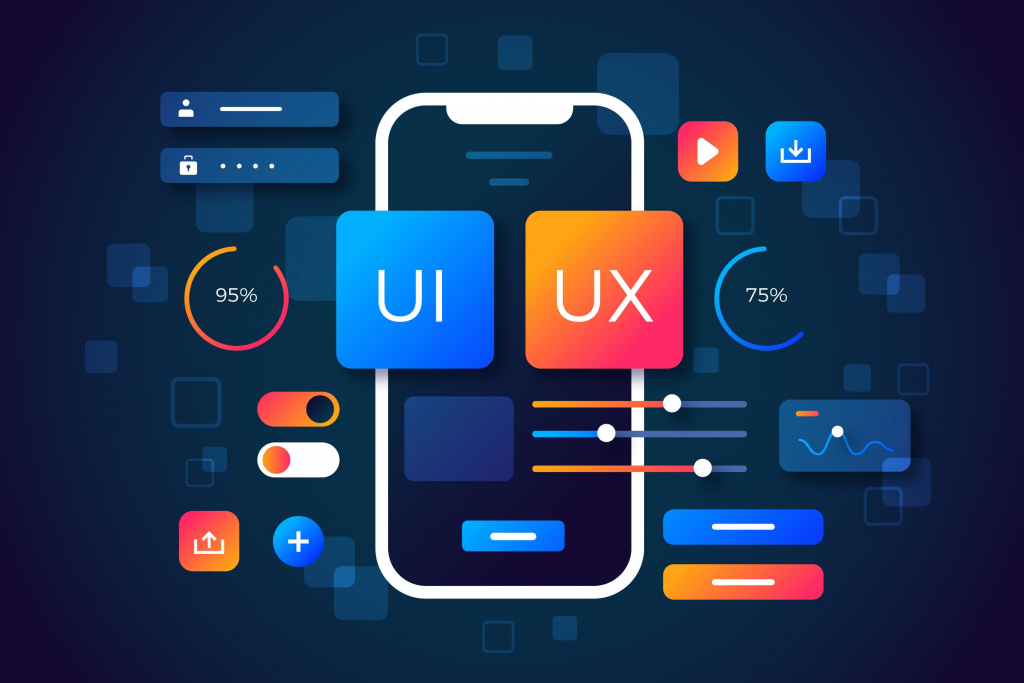
UX focuses on the overall experience and usability, while UI concentrates on visual elements like layout, colors, and typography.
2. Can good UX compensate for limited features?
To an extent, yes. Users often prefer simpler software that works smoothly over feature-heavy tools that are hard to use.
3. When should UX be introduced in the development process?
UX should begin at the earliest planning stages and continue throughout development and iteration.
4. Does UX design only apply to consumer software?
No. UX is equally important in enterprise, internal, and technical software where efficiency and clarity are critical.
5. How do you measure good UX?
Metrics include task completion rates, error frequency, user satisfaction scores, and long-term retention.
6. Is UX more important on mobile than desktop?
UX is important on all platforms, but mobile UX requires extra attention due to smaller screens and touch interactions.
7. Can UX design evolve after launch?
Absolutely. UX is an ongoing process that improves through continuous feedback, testing, and refinement.